
Campaign details
Set the story, start date and expiry date.
Build a campaign page with your story, fundraising goal and contribution settings.
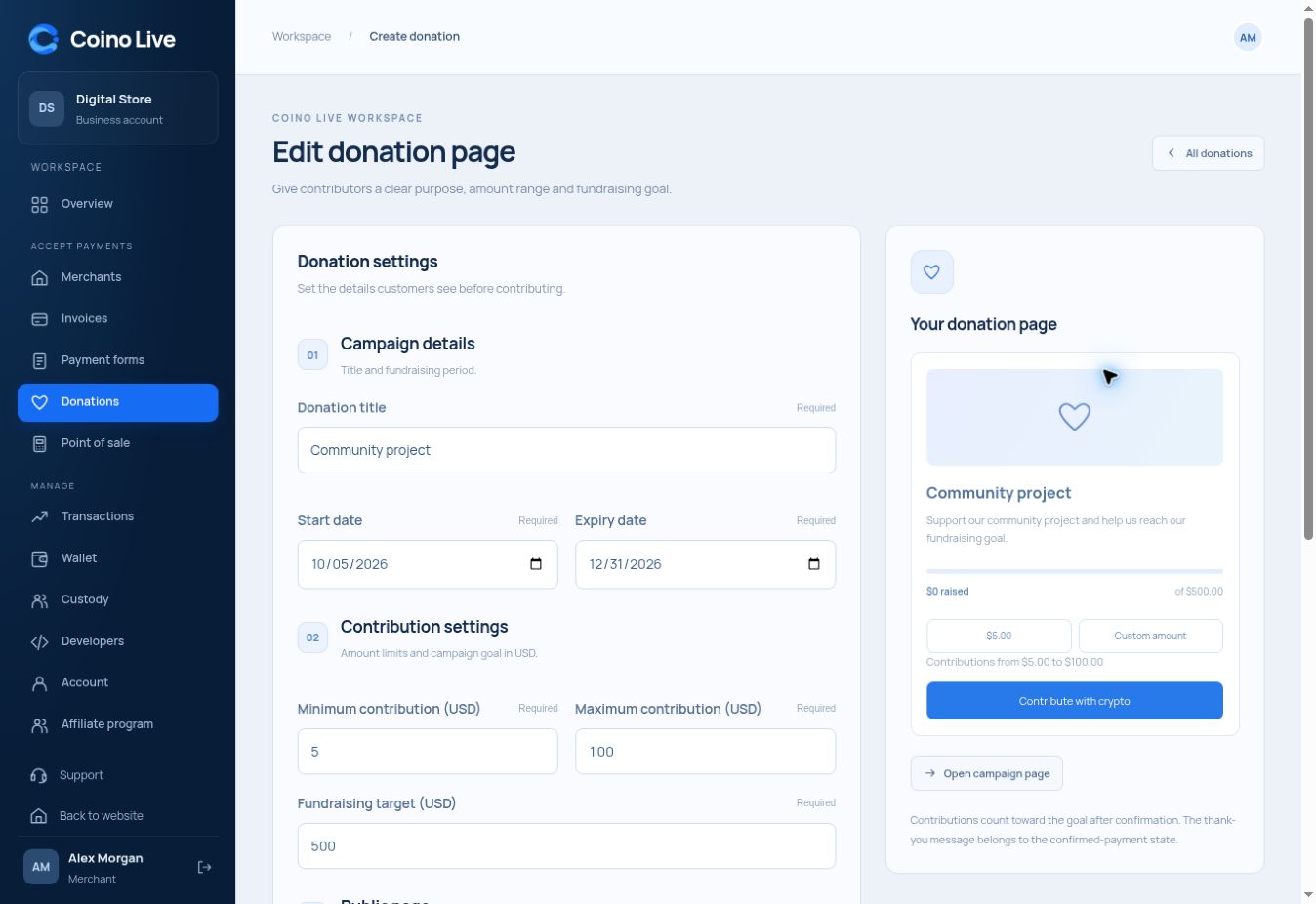
Set the story, start date and expiry date.
Choose a minimum, maximum and fundraising target in USD.
Keep confirmed contributions separate from pending payments.
Creators, communities and project teams can direct supporters to a clear campaign page. A goal explains the purpose of the fundraiser, while amount settings guide supporters into checkout.
Add the title, description and goal.
Use the campaign’s dedicated link.
Review the contribution and payment state.
They can choose a suggested amount or enter an amount within your campaign limits.
Set a start and expiry date in the campaign settings.
The fundraising total should reflect confirmed contributions rather than newly created payment requests.
Choose the service that fits the way you work.