
Itemized totals
Set item titles, quantities and prices with an automatically calculated total.
Create an itemized invoice, share its dedicated page and give your customer a clear path to crypto checkout.
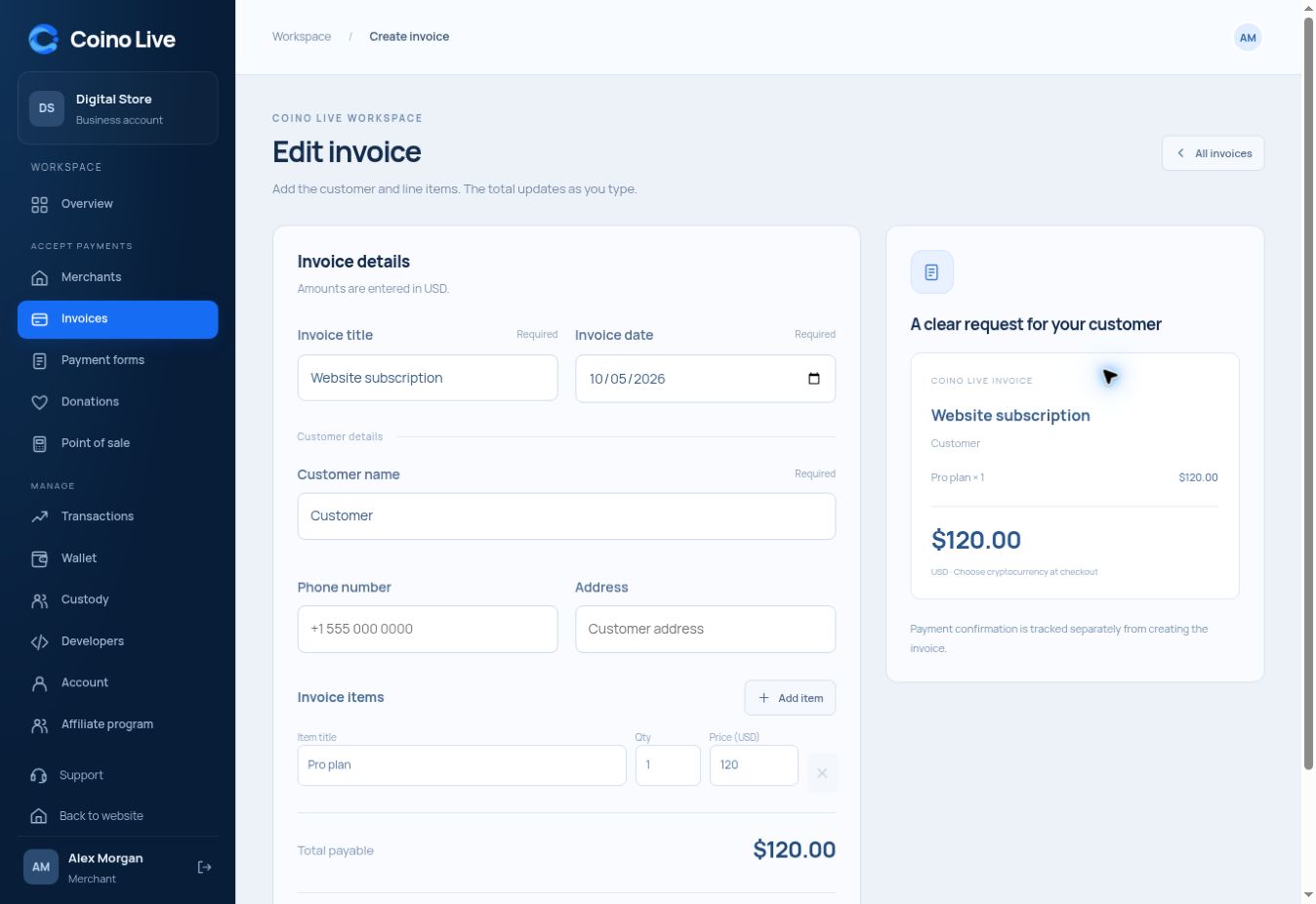
Set item titles, quantities and prices with an automatically calculated total.
Keep the invoice title, issue date and customer details together.
Share a page that shows the breakdown before checkout.
An invoice gives your customer a reason for the payment as well as an amount. Use it for project work, subscriptions billed individually, products or services that need a readable breakdown.
Enter the quantities and unit prices.
The customer can review the total and line items.
Keep invoice creation separate from payment confirmation.
The total is the sum of each item quantity multiplied by its price.
Saved invoices have an Open page action and a copyable page link.
No. Creating or sharing an invoice is separate from confirming its payment.
Choose the service that fits the way you work.