A page you control
Set the page title, description and image so customers can recognize your payment page. Add a thank-you message to show after payment.
Create a personal gateway in your Coino Live dashboard and share a public payment page at coino.live/yourname. You choose the name. No website, no code and no API keys are needed.
For freelancers and independent service providers, the link fits an existing conversation or invoice workflow and gives the payer a clear next step.
Set the page title, description and image so customers can recognize your payment page. Add a thank-you message to show after payment.
The payer opens your link, enters the amount in USD and can add an optional note of up to 120 characters about what the payment is for. They then choose the coin and network on the Coino Live hosted payment page. The minimum payment is 1 USD.
Every payment and its status appears in your dashboard. Funds are credited to your Coino Live balance, and you withdraw them to your own wallet.
Payers can use 94 coin and token assets, including USDT and USDC, across 11 networks: Bitcoin, Litecoin, Ethereum, BNB Smart Chain, Polygon, Base, Arbitrum One, opBNB, TRON, Solana, TON.
The payment page shows BTC, USDT and ETH, plus the number of further coins available.
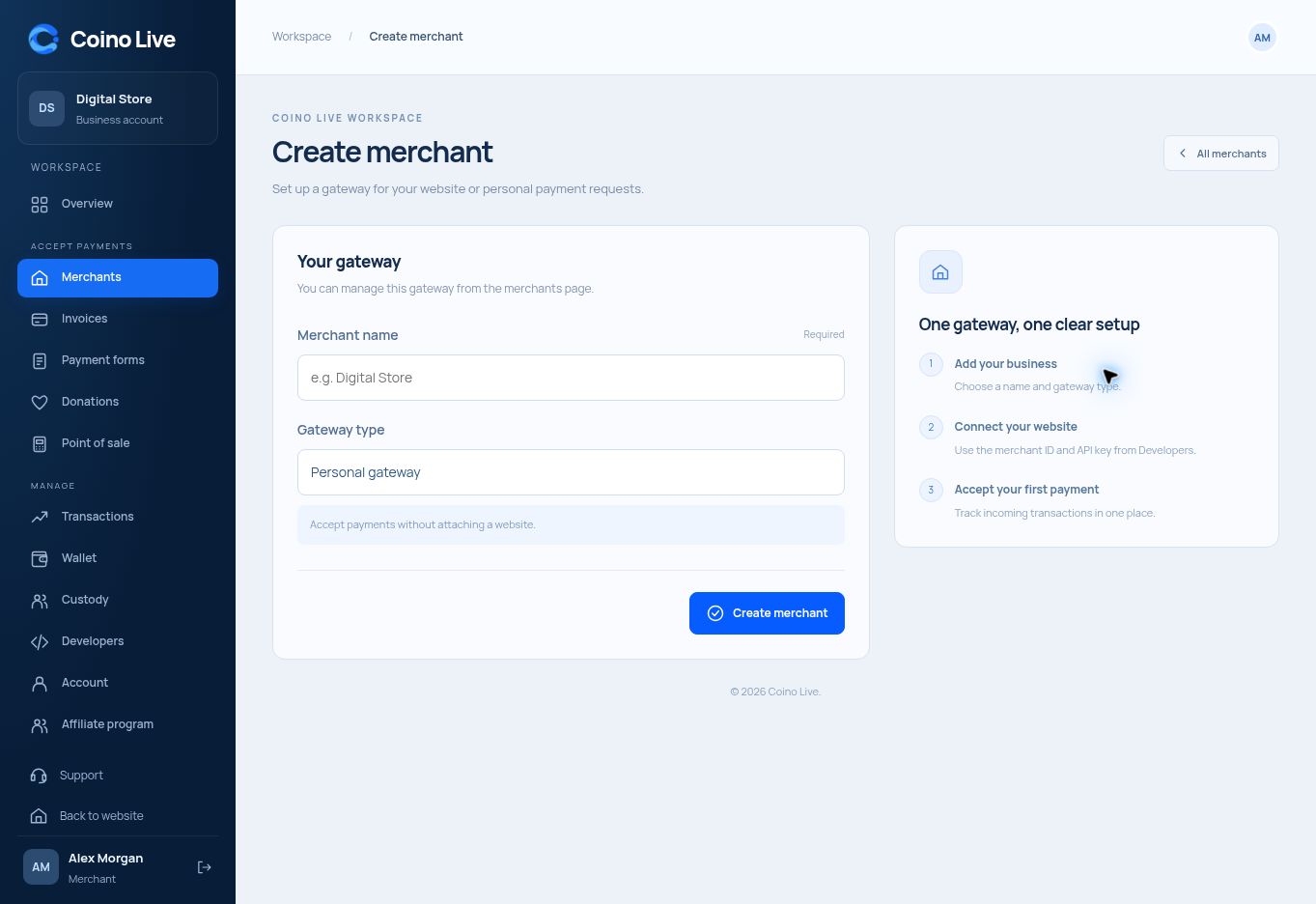
In the dashboard, choose the Personal gateway type, pick your page name and add your title, description, image and thank-you message.
Send the link to your customer. They enter the amount in USD, add a note if they want, and choose a coin and network.
After payment, the payer sees your thank-you message. Follow the payment status in your dashboard, then withdraw from your Coino Live balance to your own wallet.
No. The Personal gateway type does not require a website URL, code or API keys.
The account is free. The platform fee is 0.25% per payment. Blockchain network fees are separate.
No. Coino Live has no KYC. Accounts are opened without identity verification.
The minimum payment is 1 USD.
Yes. Use Invoice Manager when you need a customer record, quantities and line items instead of a payer-entered amount.
No. Personal links receive merchant payments. Custody associates API-created payment activity with individual user accounts.
Open a free Coino Live account, set up your personal gateway in the dashboard and share coino.live/yourname.