
Field builder
Add text, numbers, dates and choice fields to the form.
Build a payment form around the information your customer needs to provide.
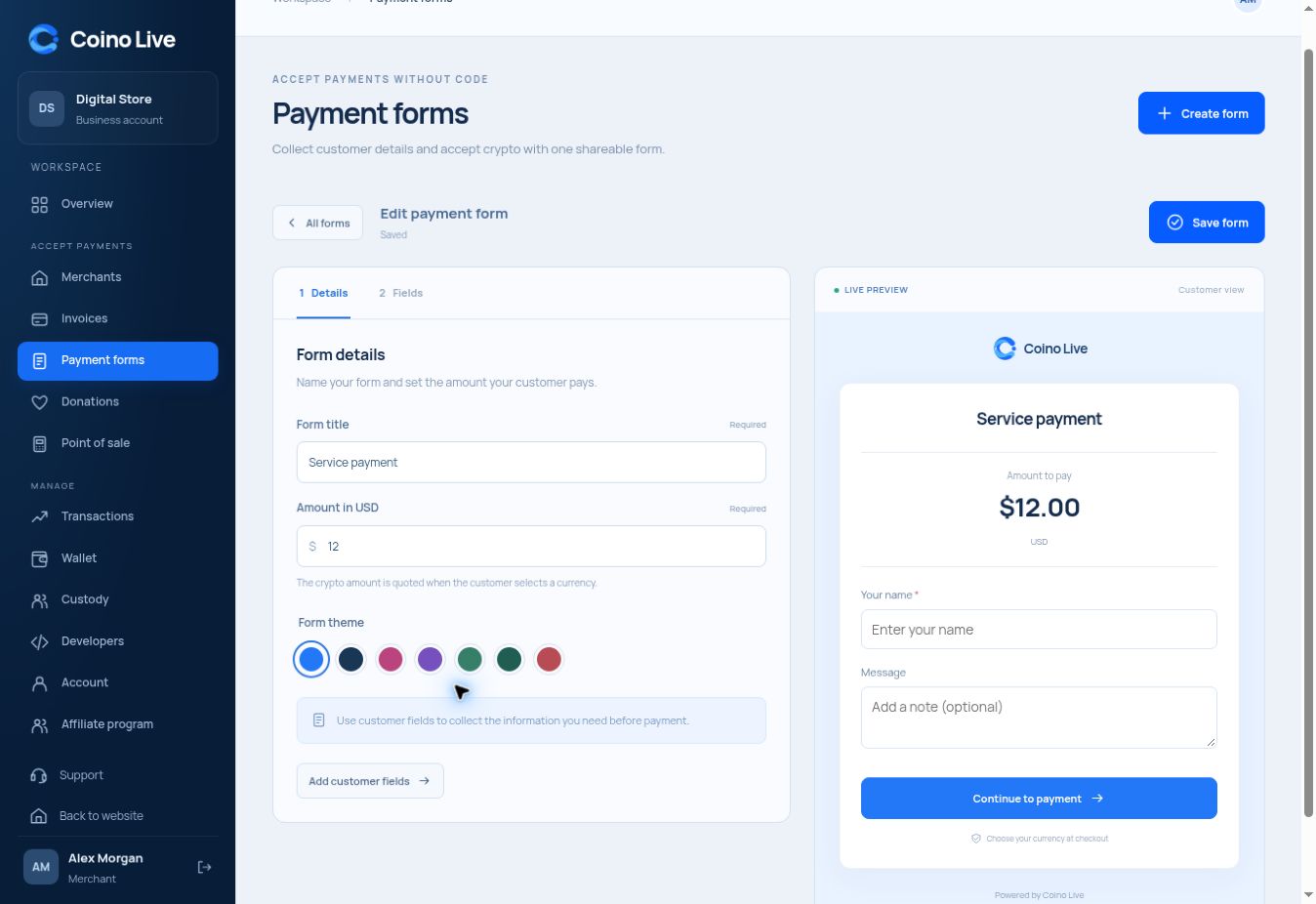
Add text, numbers, dates and choice fields to the form.
Review the field arrangement and selected theme while editing.
Keep customer responses and payment states visible separately.
A payment form is useful when the amount alone is not enough. Collect booking information, a reference or service details before the payer continues to checkout.
Set a title, amount, theme and required fields.
Give customers the form’s checkout link.
Inspect submissions alongside their payment status.
The builder supports text, text area, number, date, select, autocomplete, radio groups, checkbox groups and headings.
The builder includes seven themes with a live preview.
No. A submitted form and a confirmed payment are separate records to review.
Choose the service that fits the way you work.