
API-created users
Use your application’s external user ID to associate each account.
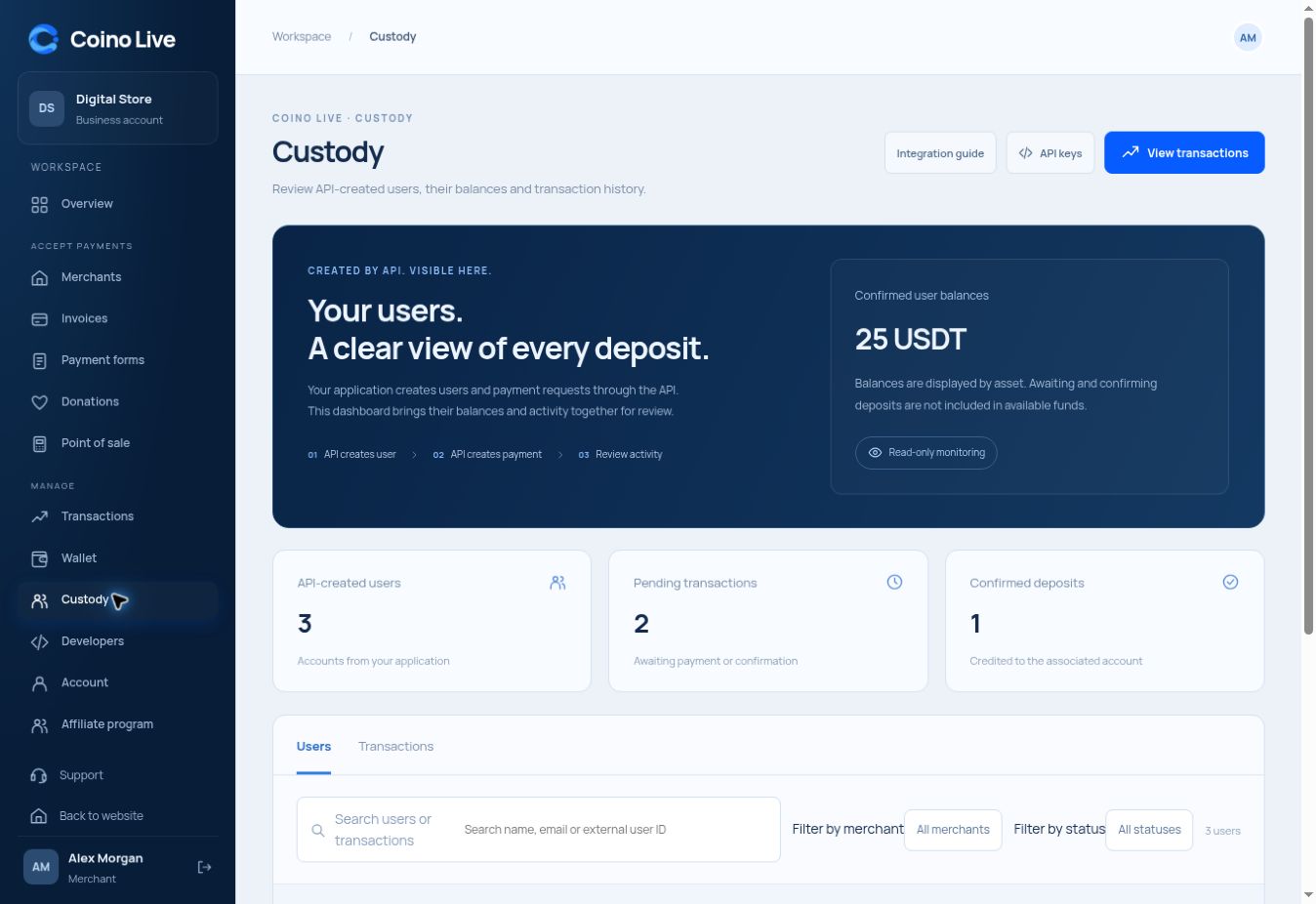
Associate users and payments through your API, then review account balances and transaction history in one workspace.
Use your application’s external user ID to associate each account.
Keep every payment associated with the correct user.
Search users, inspect balances and filter transactions without manual creation.
Custody is for applications that need a user-level view of funds and payment activity. API operations create the records; the dashboard is the place to monitor them. Pending deposits remain separate from confirmed available balances.
Your application manages account creation.
Your application associates each payment with its user.
Review balances, status and account history in the dashboard.
No. User and payment creation happen through the API. The dashboard lists and inspects the resulting records.
Available balance should change only when the deposit is confirmed and credited.
The Custody guide walks through creating users, showing their deposit addresses, crediting deposits and moving balances, with the real API requests.
Choose the service that fits the way you work.