
Create an order
Send the USD amount, callback, description and gateway ID.
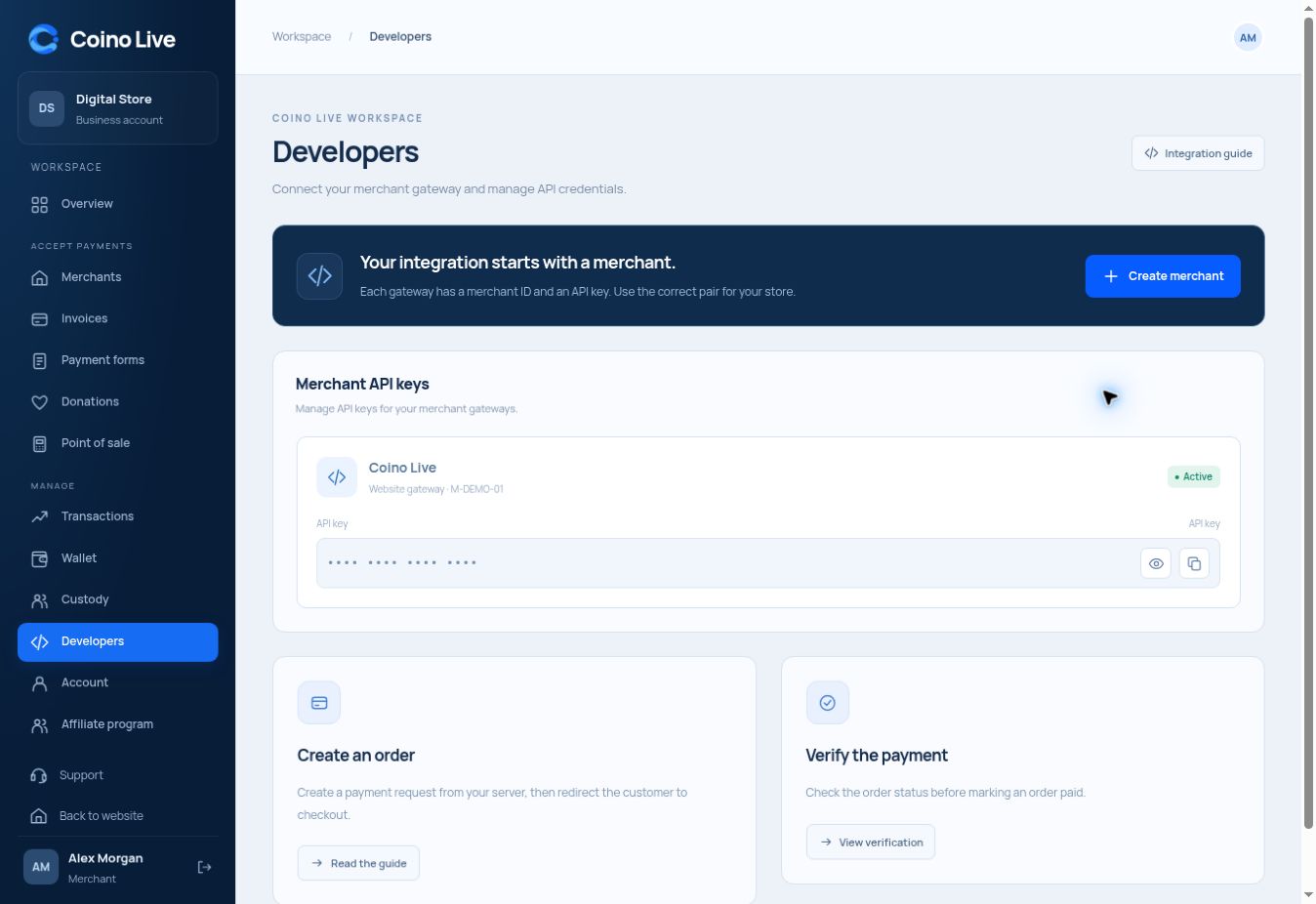
Create orders, open checkout and verify payments with a server-side integration.
Send the USD amount, callback, description and gateway ID.
Use the returned Order_ID to open the order payment page.
Check the payment through the verification endpoint before fulfillment.
For custom websites and applications, API integration keeps the payment flow connected to your own order system. The customer checkout handles asset and network selection while your server manages order creation and verification.
Keep the API key in your server environment.
Send order details and redirect using its returned ID.
Use verified status to update the order in your application.
Keep it on your server, outside browser JavaScript and public page URLs.
The current public reference documents order creation and order verification.
Custody is a separate user-account workflow. Its endpoint names and response schema need the backend’s contract.
Choose the service that fits the way you work.