
Extension
Coino Live Crypto Payments, version 1.0.0 (free)
Coino Live Crypto Payments is a free extension that adds a "Pay with crypto" option to your OpenCart checkout. Customers pay on the Coino Live hosted payment page with USDT, Bitcoin, Ethereum, TRON, TON, Solana and more. Orders update automatically, and an order's status changes only after the payment is re-checked against the Coino Live API.
Coino Live Crypto Payments, version 1.0.0 (free)
OpenCart 4.0.2 or newer, PHP 8.0 or newer
coinolive.ocmod.zip, in the Platform integrations section of the Coino Live API documentation
A free Coino Live account with a website gateway and its API key
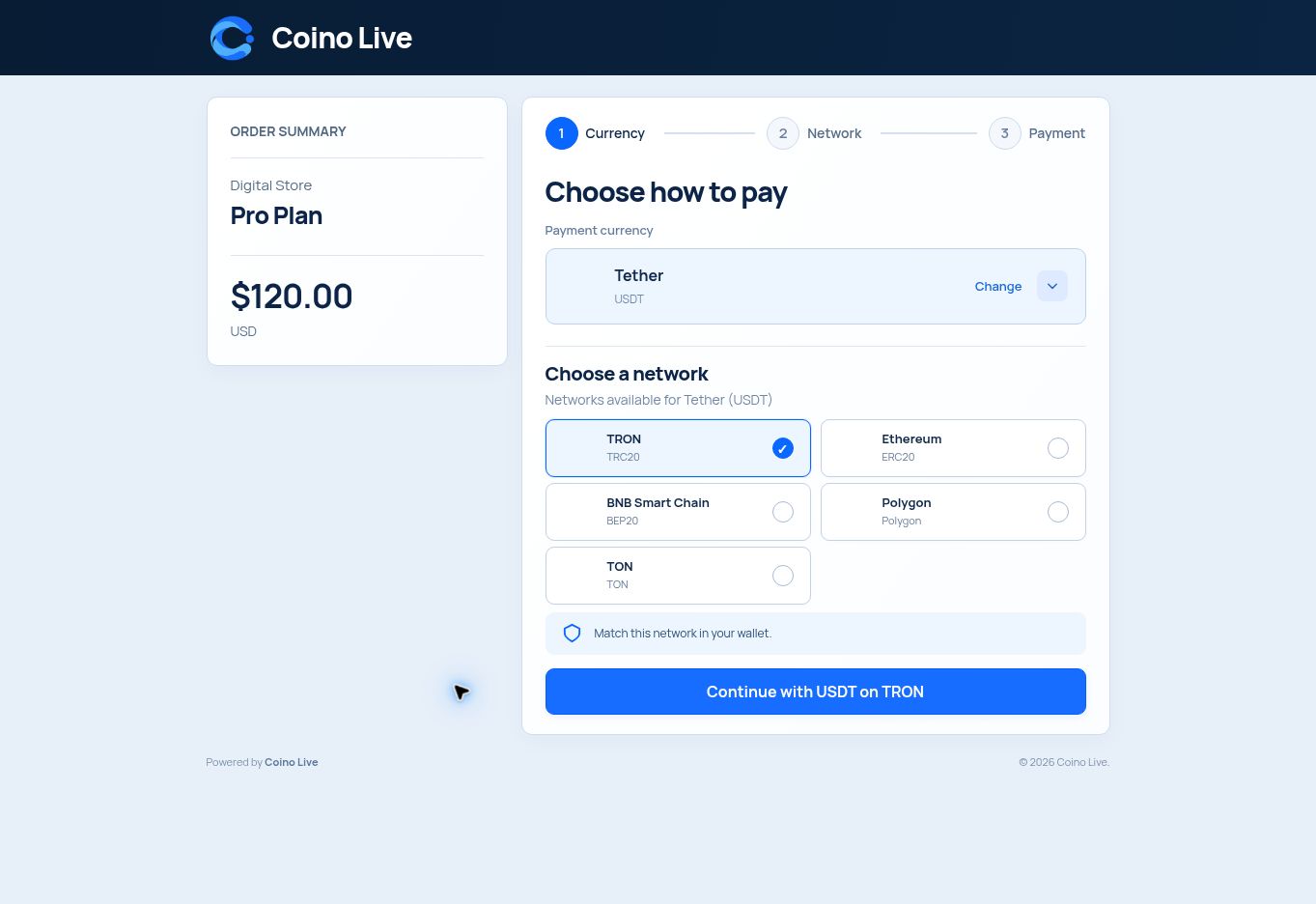
Customers choose "Pay with crypto" at your OpenCart checkout, then complete payment on the Coino Live hosted payment page. Coino Live supports 117 coin and token assets on 11 networks: Bitcoin, Litecoin, Ethereum, BNB Smart Chain, Polygon, Base, Arbitrum One, opBNB, TRON, Solana, TON.
A callback is sent with every payment. The order is always re-checked against the Coino Live API before its status changes. For extra protection, you can add an optional webhook signing secret to enable signature checks.
The OpenCart admin shows your Coino Live balance and a payments list you can filter by status. Admin and checkout texts are available in English, Persian, Turkish, Portuguese and Russian.
Sign up for a free Coino Live account and create a website gateway. Copy its API key from Developers in the Coino Live dashboard.
Download coinolive.ocmod.zip from the Platform integrations section of the Coino Live API documentation. Install it through OpenCart's Extension Installer.
Enter your API key, then set the payment window (15 to 10,080 minutes), the order status while waiting, when paid and when expired, the geo zone and sort order, and an optional webhook signing secret.
Place a test order in your own environment. Check order creation, the hosted payment page and the verified status update before you enable live payments.
The extension and the Coino Live account are free. Coino Live charges a 0.25% platform fee per payment. Blockchain network fees are separate.
Funds go to your Coino Live balance. You withdraw them from the Coino Live dashboard.
Yes. Both are among the 117 supported coin and token assets. Customers select "Pay with crypto" at checkout and pay on the Coino Live hosted payment page.
Partly paid and still-confirming payments keep the waiting status. The order history notes how much was received.
The extension detects store currencies Coino Live cannot price and hides the crypto option for them.
OpenCart 4.0.2 or newer, running on PHP 8.0 or newer.
Download Coino Live Crypto Payments from the Platform integrations section of the Coino Live API documentation and start accepting crypto payments.